System Manual
Deployment & Configuration Guide v1.0.0
Initial Telegram Setup
Before launching the app on your watch, you must prepare your emergency response channel:
- ● Create a Telegram Group: Create a private group with your trusted contacts (family, team, or security personnel).
- ● Add the Bot: Invite @mikhailo_guardian_security_bot to the group.
- ● Admin Rights: Grant the bot Administrator privileges to ensure it can broadcast emergency alerts.
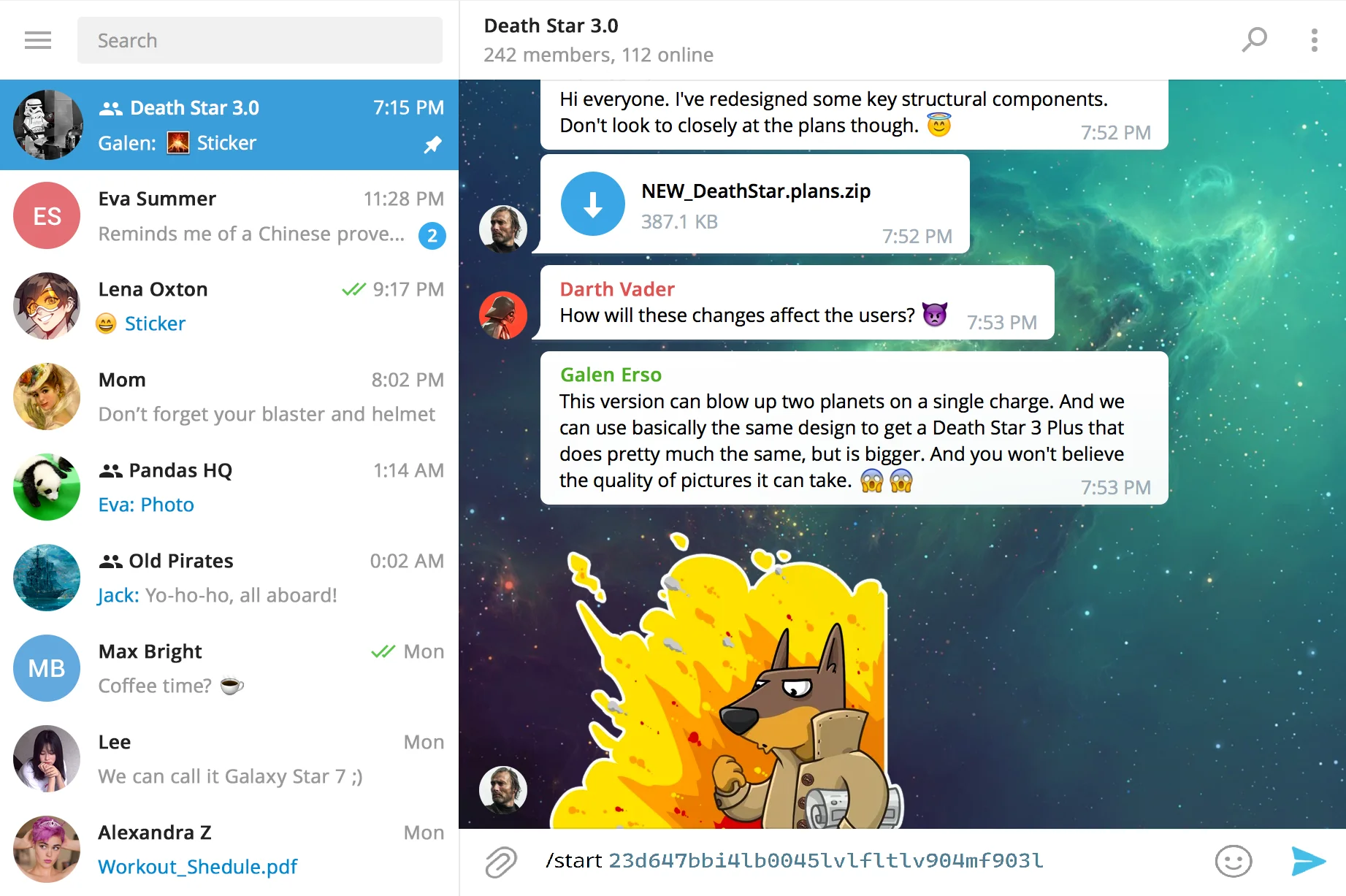 UI: Telegram Admin Rights
Device Linking & Activation
Launch the App: Open Guardian Protocol on your Garmin watch. After the splash screen, you will see the Timer Selection menu.
- ● Get your ID: Long-press the UP button to enter the "About" screen. Your unique Device ID will be displayed in gold.
- ● Link to Group: In your Telegram group, type the following command: /start [YOUR_ID] (Example: /start 23d647bb9088...). Note: Ensure there is a single space between /start and your ID.
- ● Premium Features: Premium users can use UP/DOWN keys to select 5, 10, or 15-minute intervals. Standard users are locked to a 10-minute "Dead Man's Switch."
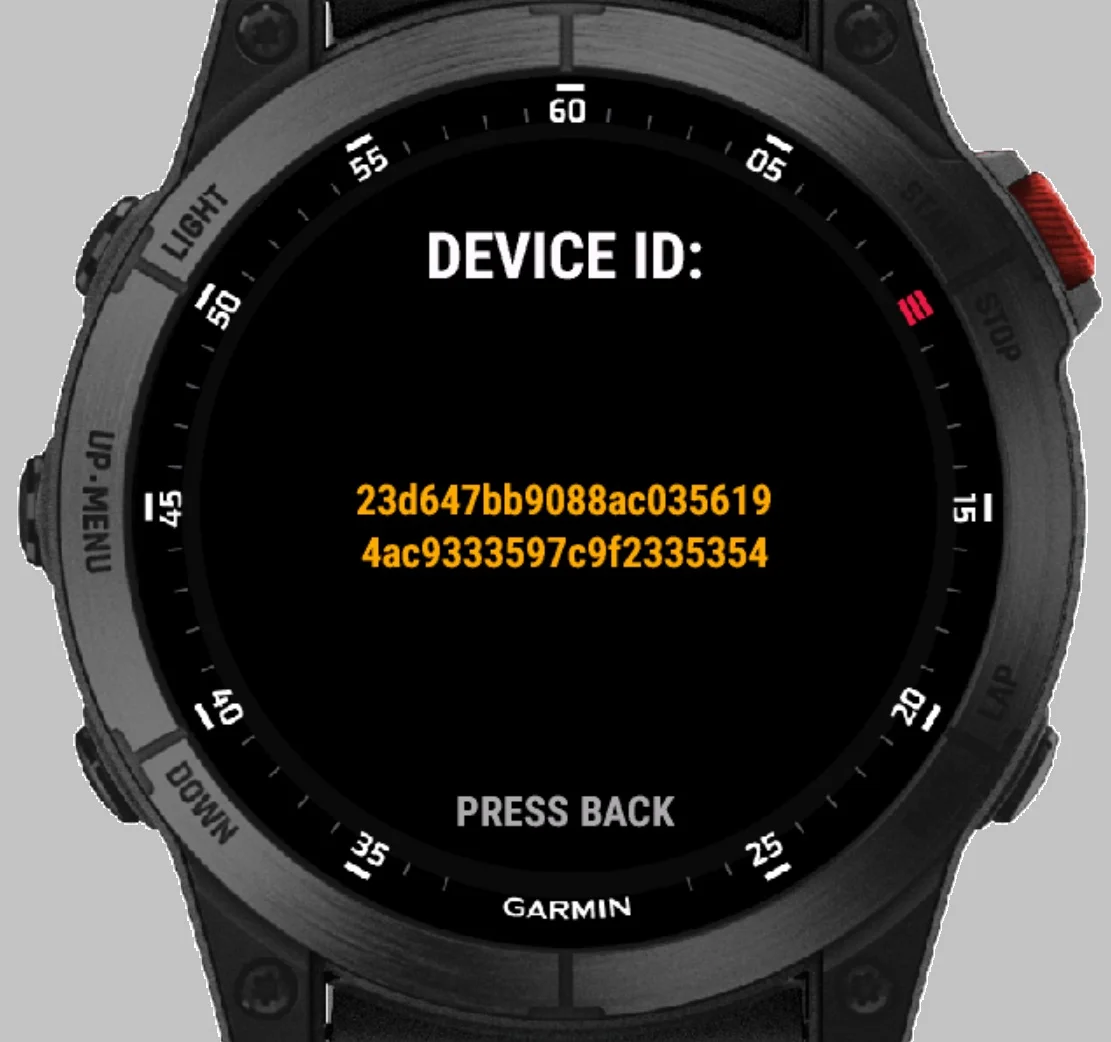 UI: About Screen Gold ID
Operational Mode
Single Click UP
Manual SOS (Silent Activation). Sends an immediate emergency alert.
Double Click UP
"I'm OK" Check-in. Confirms status, notifies the group, and resets the loop timer.
Back Button (Bottom Right)
Graceful Exit. Safely terminates the monitoring session.
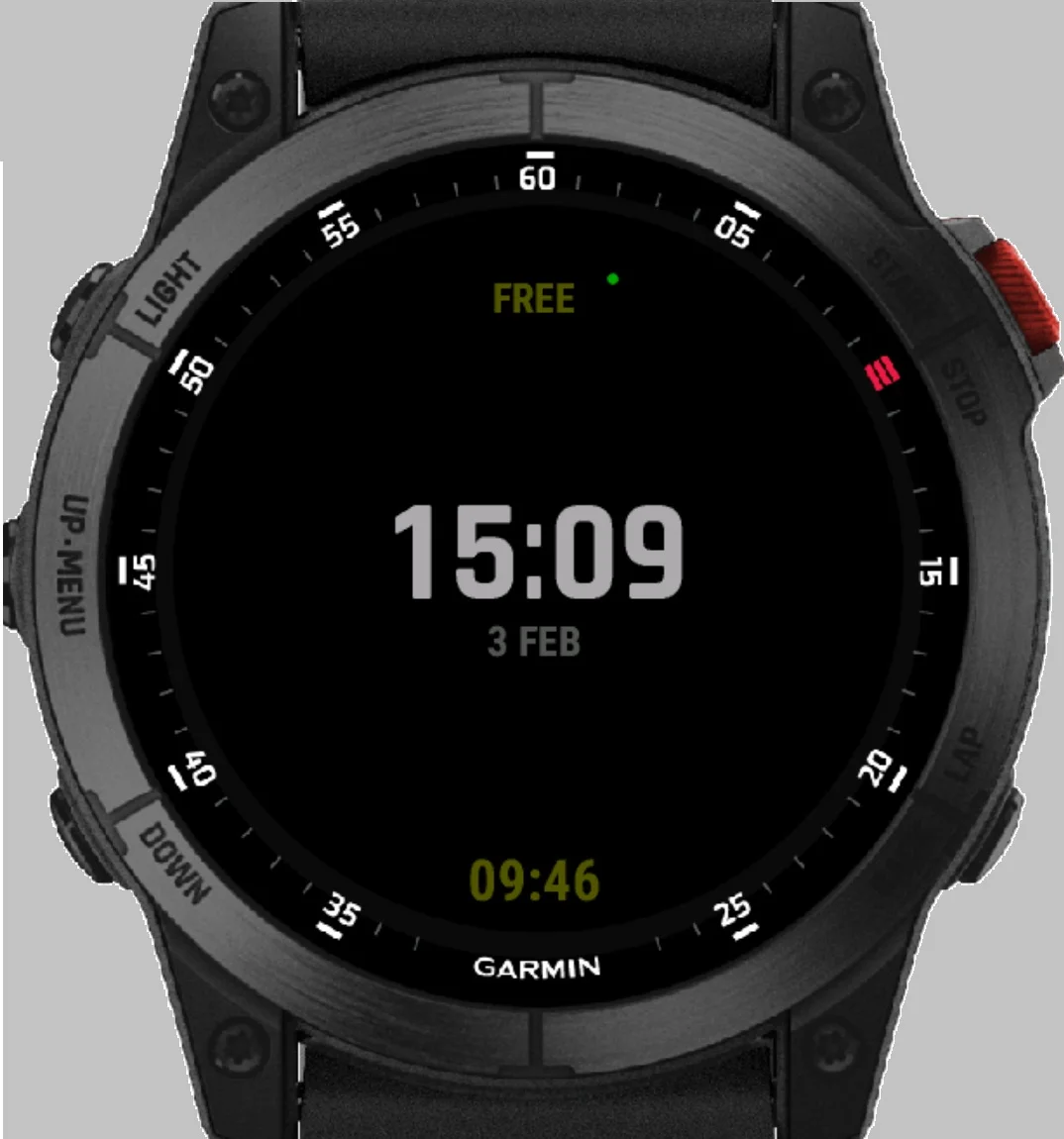 UI: Main Operational Screen
Automatic Emergency Triggers
The system will automatically trigger an SOS in the following scenarios:
GPS & Intelligent Tracking
Active Signal: Alerts include a live Google Maps link with your current coordinates.
Signal Loss: If GPS is lost (e.g., entering a building), the system sends the Last Known Position.
Drift Estimation: While GPS is lost, the app tracks your steps. The alert will show an Estimated Drift (e.g., ~150m from last fix) to help search parties narrow down your location.
Critical Requirements for Safety & Stability
1. Stealth Mode: Group Notification Settings
If an SOS alert is triggered (either manually or automatically), the bot will immediately send messages and location data to the group. If your phone is nearby or in the hands of an intruder, a loud notification sound could compromise your location or escalate a dangerous situation. Open the Telegram group settings and set notifications to "Muted" or "No Sound".
Your trusted contacts will still receive the loud alerts on their devices, but your phone will remain silent.
2. Connection Stability: Background App Refresh
Garmin watches communicate with the server through your smartphone's internet connection. To prevent signal loss: Many mobile operating systems (iOS and Android) automatically "kill" or suspend background apps to save battery. If the Garmin Connect app is closed by the system, your watch will lose its link to the server, and a "Connection Lost" alert may be sent to your group. Always keep the Garmin Connect app open in the background (minimized) while using Guardian Protocol.
If you have never experienced connection drops, you can ignore this, but for maximum reliability during high-risk activities, keeping the app active in the background is the gold standard.